This bot is powered by Strava and posts your Strava activities to Slack. It can also unfurl Strava URLs. It is not made by, nor is officially affiliated with Strava.
Invite @slava to a channel.

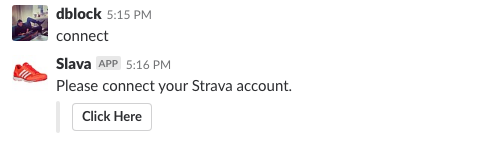
When a user joins a channel, they are prompted to connect their Strava account.

Users can also DM "connect" to @slava or use /slava connect to connect their Strava account.
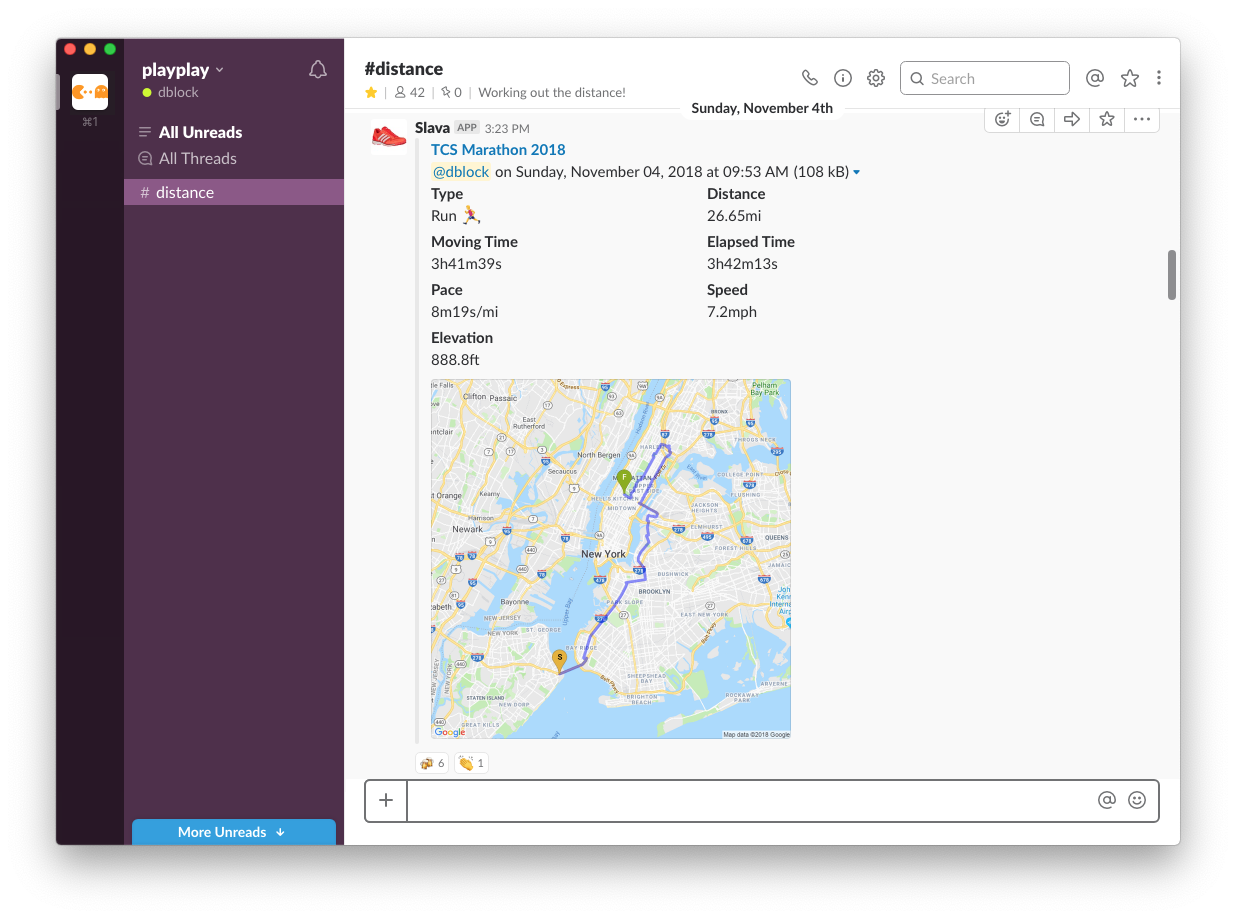
Notifications will be posted to any channel @slava is a member of.
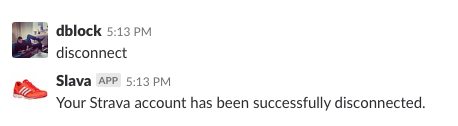
Users can DM "disconnect" to @slava or use /slava disconnect to disconnect their Strava account.
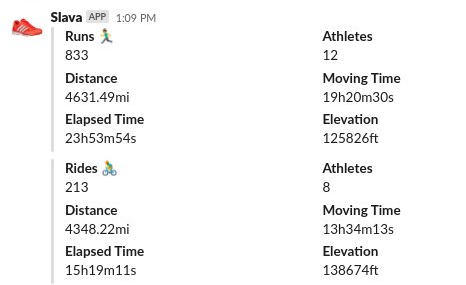
DM "stats" to @slava or use /slava stats to see aggregate team activity stats in the current channel for the past 30 days. Stats supports date filters: try stats weekly, stats monthly, stats quarterly, or stats yearly. You can also use stats 2024, stats last week, stats since January, or stats between January and March. Stats may require adjusting retention for longer ranges.
DM "leaderboard" to @slava or use /slava leaderboard to see team activity leaderboard. Try leaderboard distance, leaderboard time or leaderboard count. Leaderboard supports date filters: try leaderboard weekly, leaderboard monthly, leaderboard quarterly, or leaderboard yearly. You can also use leaderboard 2024, leaderboard last week, leaderboard elapsed time last month, leaderboard since 2024, or leaderboard between January and March. Leaderboard may require adjusting retention for longer ranges.
DM "set" to @slava to see current settings.
Slava retains activities for 30 days. Try set retention 60 days or set retention 6 months to change this.
You can change units with set units imperial (miles, feet, yards, and degrees Fahrenheit, default), set units metric (kilometers, meters, and degrees Celsius), or set units both to display both values.
You can change displayed fields with set fields, eg. set fields default, set fields all or set fields none. Available fields are Default, All, None, Type, Distance, Time, Moving Time, Elapsed Time, Pace, Speed, Elevation, Max Speed, Heart Rate, Max Heart Rate, PR Count, Calories, Weather, Photos, Device, Gear, Title, Description, Url, User, Medal, Athlete and Date.
Turn maps off with set maps off, display thumbnails with set maps thumb and full maps with set maps full (default).
Thread posted activities daily, weekly or monthly with set threads daily, set threads weekly or set threads monthly. Post a summary to the channel with full details in a thread reply using set threads activity. Remove threading with set threads none (default).
Set the default leaderboard with set leaderboard.
Stop syncing activities with set sync false and resume with set sync true (default). Publish private (only you) activities with set private true or hide them with set private false (default). Publish followers only activities with set followers true (default) or hide them with set followers false.
Paste a link to a registered user's activity into Slack to unfurl it.
DM help to @slava for more commands and options.
Fork me on github, privacy policy, help, hosted on DigitalOcean
Questions? Contact dblock[at]vestris[dot]com or DM @playplayio.
Written by @dblockdotorg, © Vestris LLC.